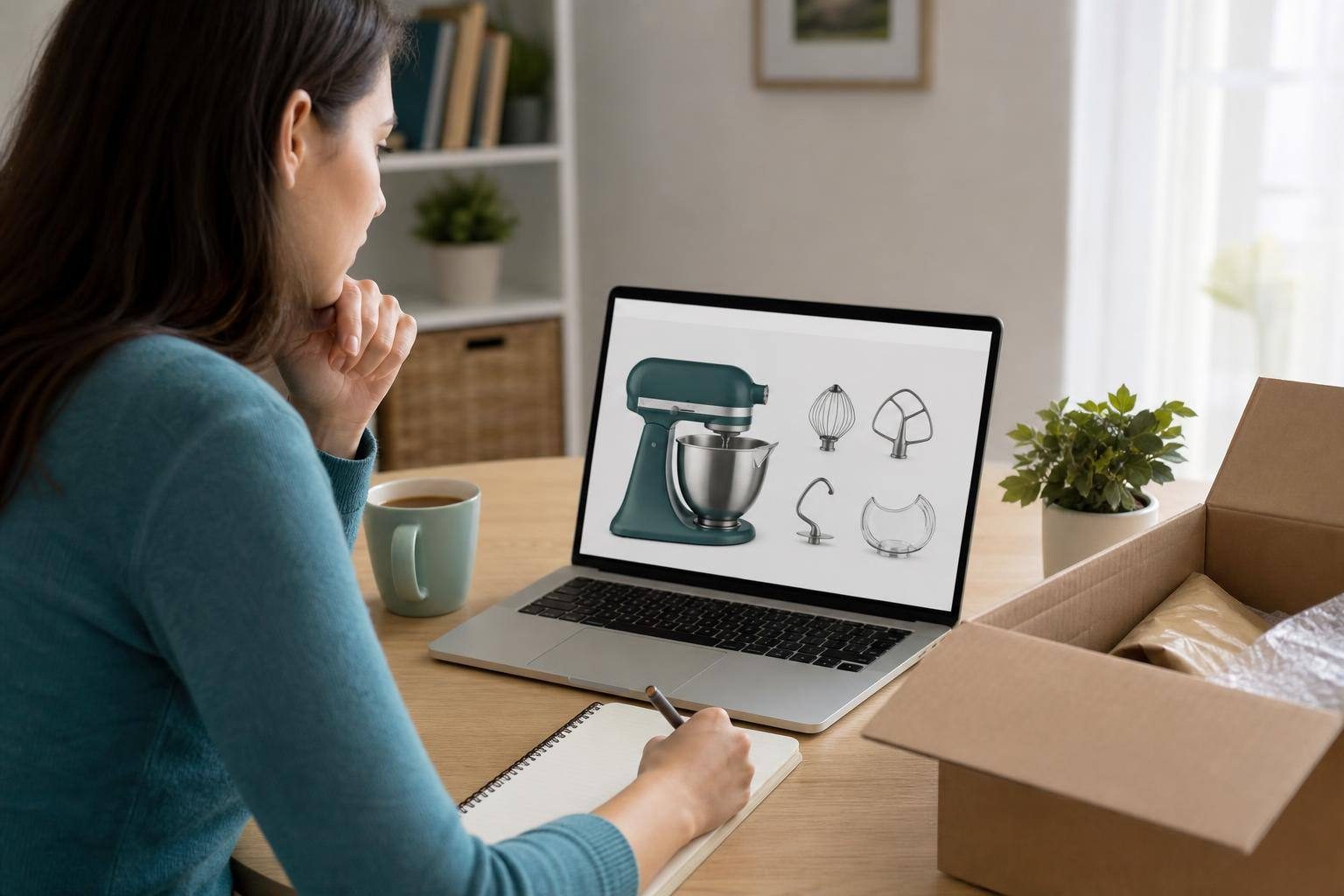
Identify the Exact Listing, Not Just the Product
The same product family may be sold in different configurations. Before deciding, identify the exact listing you are viewing: brand, model or reference number, capacity, size, color, condition, and seller. If a GTIN, UPC, EAN, or another item identifier is shown, compare those as well. Product variants may have different identifiers, so you should not assume they all include the same components.
The listing title and main image are useful as a guide, but they are not enough to confirm what you will receive. An image may show contextual accessories, a higher-end configuration, or a catalog photograph. Likewise, a review of a similar model does not prove the contents of the variant you added to your cart.
Start by looking for an explicit section such as “Box contents,” “Includes,” or “What’s in the box.” Give priority to manufacturer documentation that applies to the specific model, then compare it with the chosen seller’s listing. If the official page refers to a different configuration, market, or generation, use it only as a reference, not as conclusive proof for that listing.
- Write down the exact reference number before opening other tabs to avoid comparing different variants.
- Check the stated condition: new, refurbished, used, open-box, or “as is” do not necessarily describe the same contents or condition.
Distinguish Between Included, Sold Separately, and Required for Use
The most common mistake is treating a compatibility mention as a promise of included contents. A listing that says a product works with a particular cable, adapter, mount, or external device does not mean that item is in the box. Likewise, accessories shown in “related products” sections or installation instructions should not be considered included unless the listing explicitly says so.
To avoid this, make three simple lists before paying. Under “Included,” copy the items listed verbatim: the main unit, cables, adapters, batteries, controllers, accessories, and documentation. Under “Not included or sold separately,” note everything the listing excludes or does not confirm. Under “Required for use,” record installation requirements, compatibility requirements, or external equipment. This separation clarifies whether you can use the item when it arrives or need to plan an additional purchase.
Read the full description and terms, including the fine print. Phrases such as “unit only,” “no accessories,” “body only,” “open box,” or “as is” deserve particular attention, even if the photos appear to show additional items. If there is a contradiction, request a written list of components and do not rely on your interpretation of the images.
- Treat any accessory shown only in photos, comparisons, or compatibility sections as unconfirmed.
- Check shipping, return, and refund terms, as well as possible return costs or restocking fees.
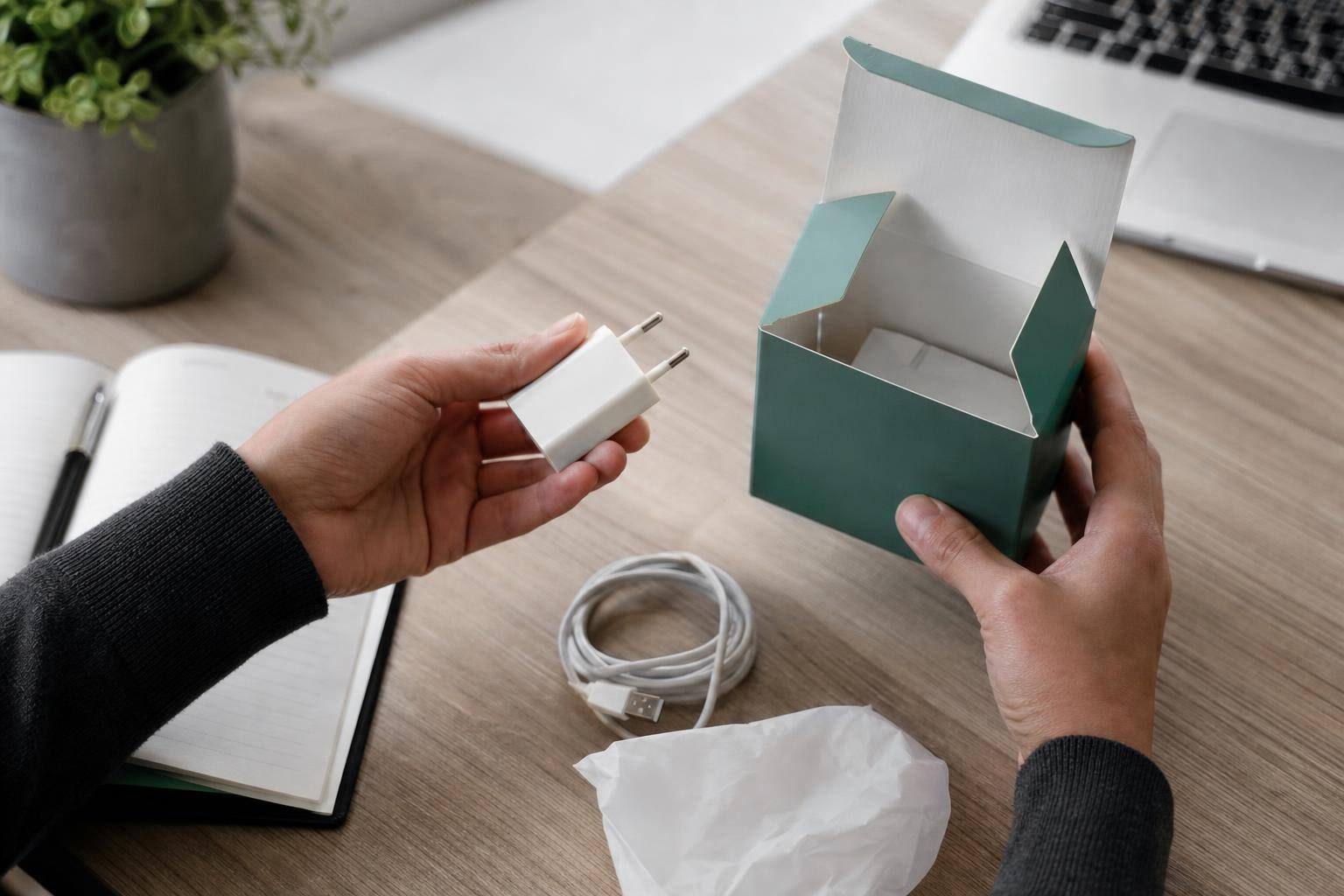
On Marketplaces, Request Specific Written Confirmation
In a store with third-party sellers or on a marketplace, the seller’s identity is part of the offer. Check that the listing includes contact details, and carefully review both the description and photos. Stock images alone cannot verify the condition of the unit or confirm that the seller possesses the listed item.
If there is no unambiguous list, ask a closed, detailed question. For example: “Can you confirm in writing that this listing includes exactly the main unit, cable, adapter, and documentation stated? Do the photos show the actual unit, or are they catalog images?” A reply such as “it comes complete” is not enough: request an item-by-item list.
Keeping the exchange is as important as getting the answer. Save copies of messages, especially when the contents, condition, or photos are unclear. If the seller does not reply, do not fill in the gaps with assumptions. A listing with clearly described contents reduces uncertainty before payment.
- Check that the seller’s confirmation refers to the same reference, variant, and condition shown in the listing.
- If the manufacturer, store, and seller provide different lists, request clarification that applies to that listing or consider another, clearer listing.

Save Evidence and Compare Listings Using the Same Criteria
Before completing the purchase, save screenshots or a PDF of the listing, content list, images, return terms, order confirmation, and messages with the seller. It is also useful to retain what was ordered, the date, the amount, and any shipping promises. This documentation lets you review later what was advertised and which terms you accepted.
When comparing several listings, do not look only at the displayed price. Next to each option, note the model, variant, condition, seller, confirmed contents, and return terms. Separately verify that you are comparing the same variant and the same box contents. Two listings with similar names may not be equivalent.
The final check should answer one simple question: based on the listing or a written response, can I list every item I will receive? If the answer is no, identify what still needs to be confirmed before clicking “Buy.” Do not assume that a general official list overrides a specific listing when there are differences in model, market, seller, or condition.
- Use a short note with these fields: exact listing, seller, includes, does not include, requirements, saved evidence, and returns.
- Check the selected variant one last time when you reach the cart: color, capacity, size, and condition can change the item associated with the purchase.