
Define the Purchase Before You Start Searching
Before opening search results, write down what you need the product to accomplish. Include the intended use, required dimensions, compatibility, the total amount you can afford, the delivery deadline, and reasons you would reject an option.
This list serves as a reference throughout the search. It helps prevent a promotion, an appealing photo, or a good rating from making you overlook an essential requirement.
- Distinguish between essential requirements and preferences.
- Include costs that may be added to the initial price, such as shipping or returns.
Group Sources According to the Task at Hand
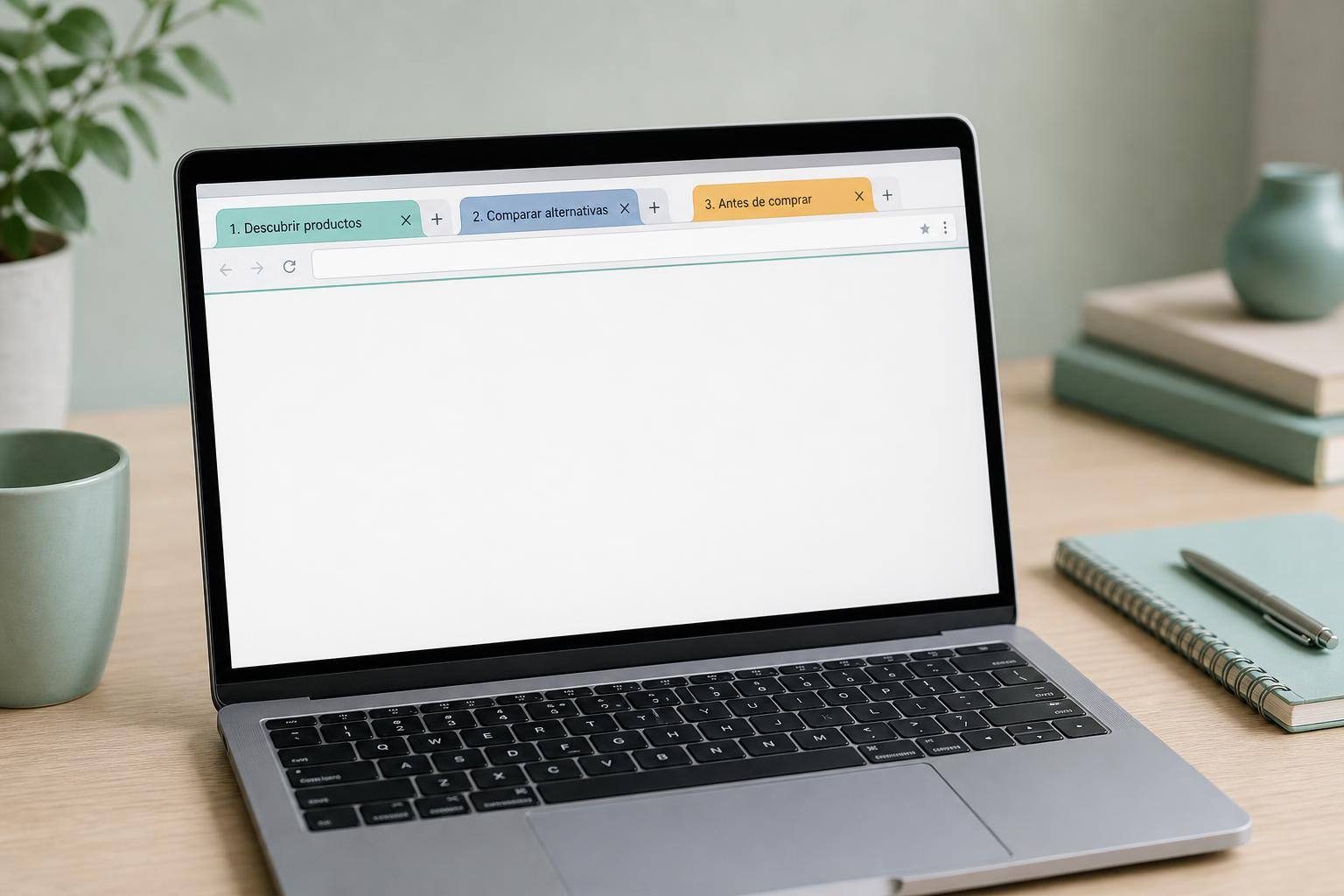
Rather than keeping one window full of mixed pages, separate your browsing by stage. You can use one group to discover products, another for alternatives that already merit comparison, and another for the documents needed before buying.
Within each group, gather sources of different kinds: the manufacturer’s specification sheet and manual; seller pages; independent reviews; and shipping, return, and warranty terms. This makes it easier to know where each piece of information comes from.
Chrome allows you to organize tabs into groups with names and colors. Firefox offers options for managing tabs and saving several of them in bookmark folders. Specific capabilities depend on the browser, device, version, and settings.
- Give each group a name that identifies the purchase and when you researched it.
- Do not confuse a manufacturer’s product sheet with an opinion or a seller policy.
Save Links for a Specific Purpose
When a page no longer requires immediate attention, save it instead of leaving it open. A useful structure can separate material still to be read, products that meet the basic criteria, and documents that support the final decision.
Add context to the bookmark or an associated note. For example, indicate whether a manual is useful for checking dimensions or whether a policy mentions a return cost. The link alone may not explain why it was relevant.
Chrome has a reading list for saving pages, and Firefox lets you organize, tag, search, and edit bookmarks. These features help preserve sources, but they do not verify that their content remains accurate or applies to the chosen variant.
If you use synchronization to continue on other devices, review your privacy and account settings before enabling it. Synced information may become associated with that account.
- Save the specific page where an important detail appears.
- After buying, keep receipts and emails related to the order.
Record Comparisons That Can Be Verified
A local note or spreadsheet allows you to compare options without relying on memory. Give each option a row and record the exact model or variant, the deciding feature, compatibility, item condition, and the source for each detail.
It is also useful to record the total cost shown before payment, the promised delivery, return rules and costs, the warranty, and who provides it. Clearly mark fields that you have not yet confirmed.
This method helps identify differences hidden behind similar names: a different variant, a used product rather than a new one, or a warranty that changes depending on the seller. Do not turn a claim from a review into a specification without finding a source that supports it.
To focus your search, combine the exact model with terms such as manual, warranty, or compatible parts. If you are evaluating a used or refurbished product, keep the condition description, photos of the specific item, and the seller’s terms.
- If two sources disagree, keep both and resolve the difference before deciding.
- Read terms such as used, refurbished, vintage, as is, or clearance carefully.

Review Reviews and Policies Separately
Reviews can provide useful signals, but they do not replace fact-checking. Expert evaluations may explain methods, limitations, or comparisons; buyer comments may reveal experiences with use, installation, sizing, recurring defects, or post-sale support.
Do not rely only on an average score. Consult more than one source, review positive and negative comments about the criterion that matters most to you, and consider where the review is published, who wrote it, and their history when available. Some ratings may be fake, misleading, or incentivized.
Review the terms of the specific offer in writing: the total cost before payment, delivery date or window, returns, who is responsible for return shipping, possible restocking fees, the warranty, and the seller’s identity. On marketplaces with third-party sellers, these terms can vary from one seller to another or between discounted and non-discounted products.
The presence of https indicates that the connection is encrypted, but it does not by itself confirm that the seller is legitimate.
- Narrow the options to a few finalists before reviewing every term in detail.
- Check that the policies apply to the product and seller you are considering.
Decide Only When You Can Explain Your Choice
Before completing the purchase, verify that each finalist meets the essential requirements. Check which information is still pending, which source supports each relevant claim, and whether you compared the total cost rather than only the visible price.
Also consider what would happen if the order arrived late, did not match the description, or had to be returned. If you cannot answer with a saved page, policy, or document, more research is still needed.
When you finish, archive or close rejected alternatives and note the reason. Keep the final documents until the order is complete and any applicable return or warranty issue has been resolved.
- Do not fill gaps with assumptions.
- The goal is not to collect many tabs, but to retain enough evidence for a clear decision.
Sources and references
- Manage tabs in Chrome - Computer - Google Chrome Help ↗
- Use tabs to organize lots of websites in a single window | Firefox Help ↗
- Read pages later and offline - Computer - Google Chrome Help ↗
- Bookmarks in Firefox | Firefox Help ↗
- Online Shopping | Consumer Advice ↗
- Buying From an Online Marketplace | Consumer Advice ↗
- Get your bookmarks, passwords, and more on all your devices - Computer - Google Chrome Help ↗